-
AeroFC Ag++
- AeroFC Ag++
- 1 Parts
- 2 Parts Description
- 3 Hardware Specifications
- 4 Connector Pins
- 5 Wiring Diagram
- 6 Mounting
- 7 Technical Specifications
- 9 Firmware & Software Requirements
- 8 Electrical & Wiring Details
- 10 Communication & Data Link Integration
- 11 Structural & Weight Considerations
- 12 Initial Setup and Configuration
- 13 Troubleshooting and Maintenance
- 14 Safety Guidelines
- 15 Warranty Void Conditions
- 16. Contact and Support
12. Initial Setup and Configuration
1. Connect The Flight Controller to A Computer:
- Install the necessary drivers required for connecting the flight controller.
2. Download The AeroGCS CONFIG For Ag++ From the Given Link.
- https://services.aeromegh.com/downloads/AeroGCS_CONFIG_for_Ag++.exe
- Once downloaded install it and run the software.
- Login with the credentials.
3. Connect The Flight Controller with AeroGCS CONFIG For Ag++:
- Connect the Ag++ with config using different communication protocols like serial, Bluetooth or UDP.
- After successful connection the setup wizard will guide for all necessary calibrations required. Follow the instructions for setting up the drone.
- When one step is completed mark it as completed and go to the next step.
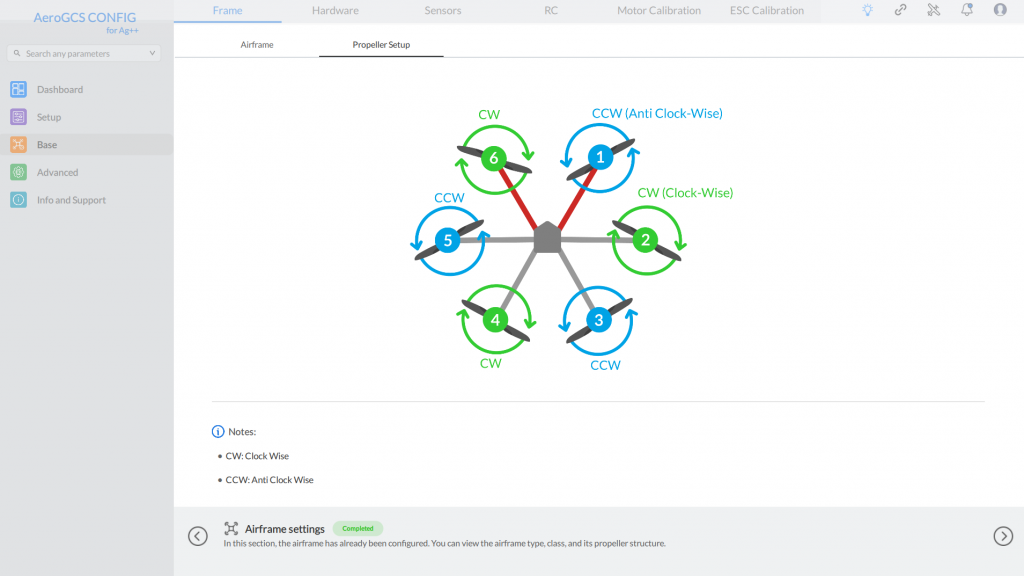
4. Airframe And Propeller Setup:
- Check the airframe and attach the propellers and motor connection as instructed in the software.
5. Calibrate Sensors:
- Perform accelerometer and compass calibration.
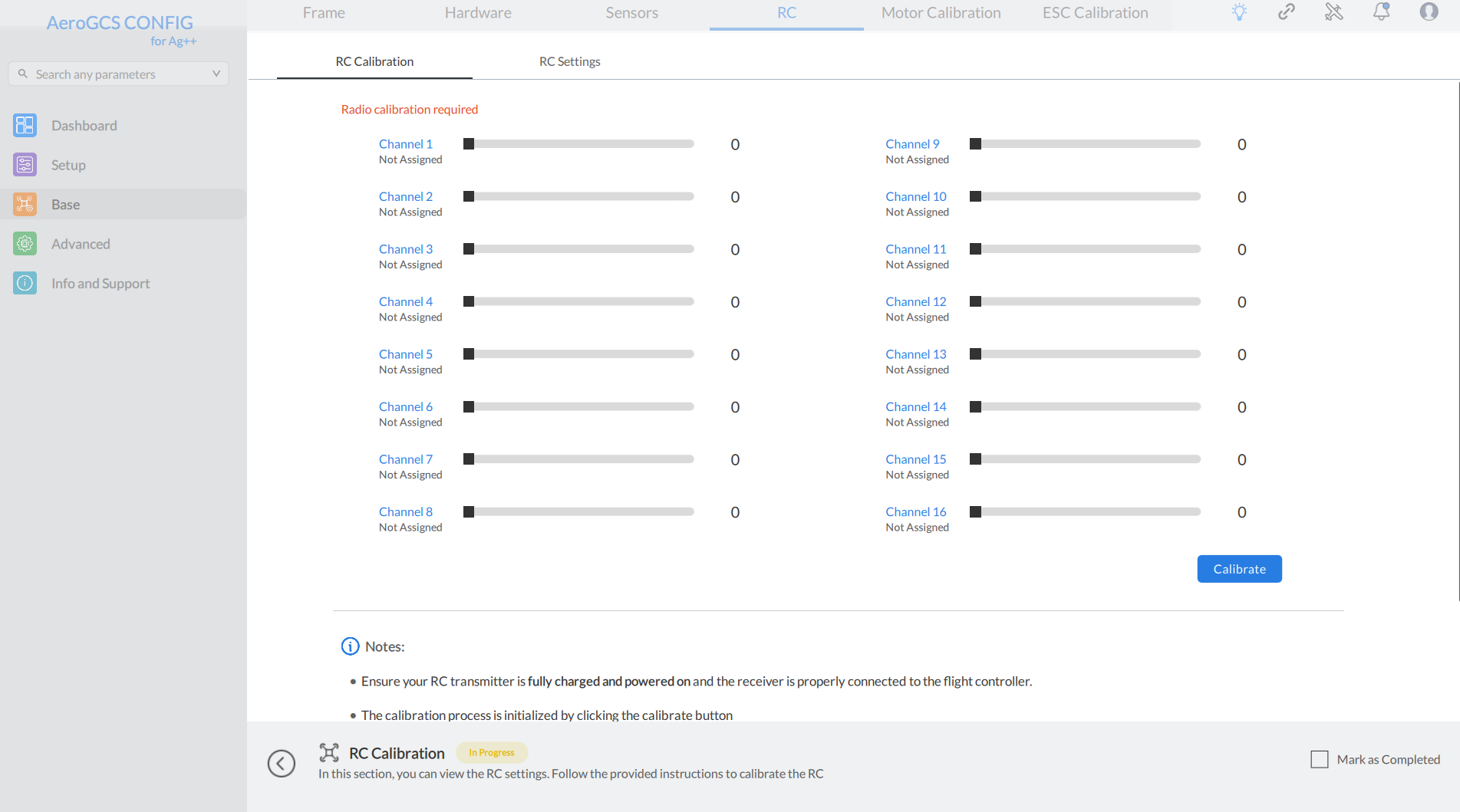
6. Configure Radio and Flight Modes:
- Set up radio transmitter channels and define flight modes. Also calibrate the RC.
7. ESC Calibration and Motor Test:
- Do the ESC calibration by following the instructions given on screen and then do the motor test according to the motor used in the drone.
- Assign Emergency motor stop to any channel of RC accordingly.
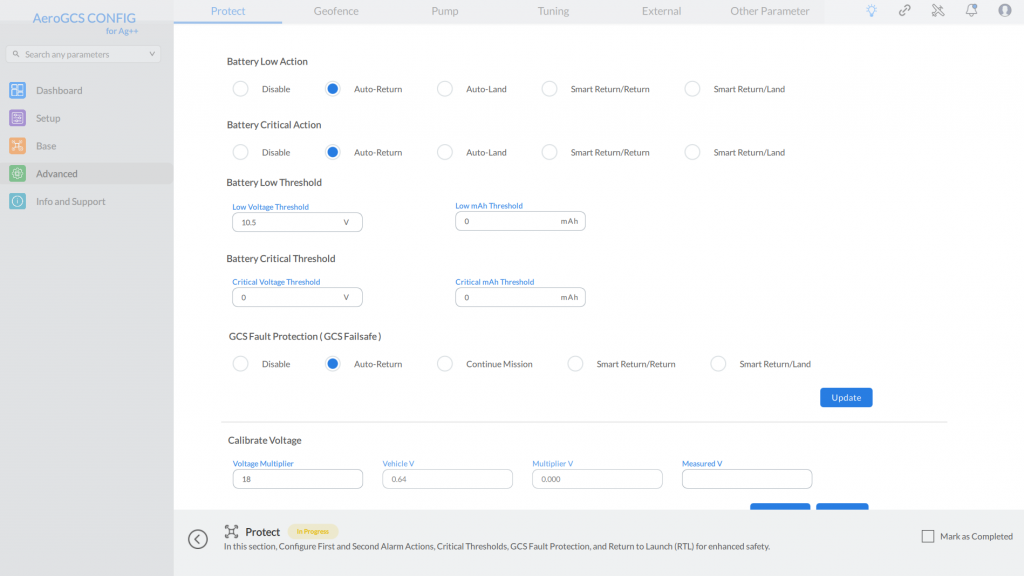
8. Protect Settings:
- Enable battery, RC and GCS failsafe from the given settings.
- Calibrate and set the voltage and current.
- Set the RTL related parameters if necessary.
9. Geofence Settings:
- Enable the fence settings and set the fence trigger action.
10. Sprayer Settings and Flow Meter Calibration:
- Do, the sprayer pump related settings and assign the RC channel to access the pump.
- Calibrate the flow meter by pouring the selected amount of liquid.
11. External Sensors Setting:
- Set the external sensors from the external section.
Table of Contents