
-
AeroGCS Enterprise User Manual
The Help option in AeroGCS Enterprise provides users with quick access to official product documentation. It is designed to support users by opening the latest AeroGCS Enterprise User Manual directly in a web browser for reference during operations.
The Help feature is informational only and does not affect system configuration, data, or user permissions.
To access the Help documentation:
- Log in to the AeroGCS Enterprise web application.
- From the left-hand navigation menu, scroll to the bottom.
- Select Help.
The system opens the AeroGCS Enterprise User Manual in a new browser tab or window.
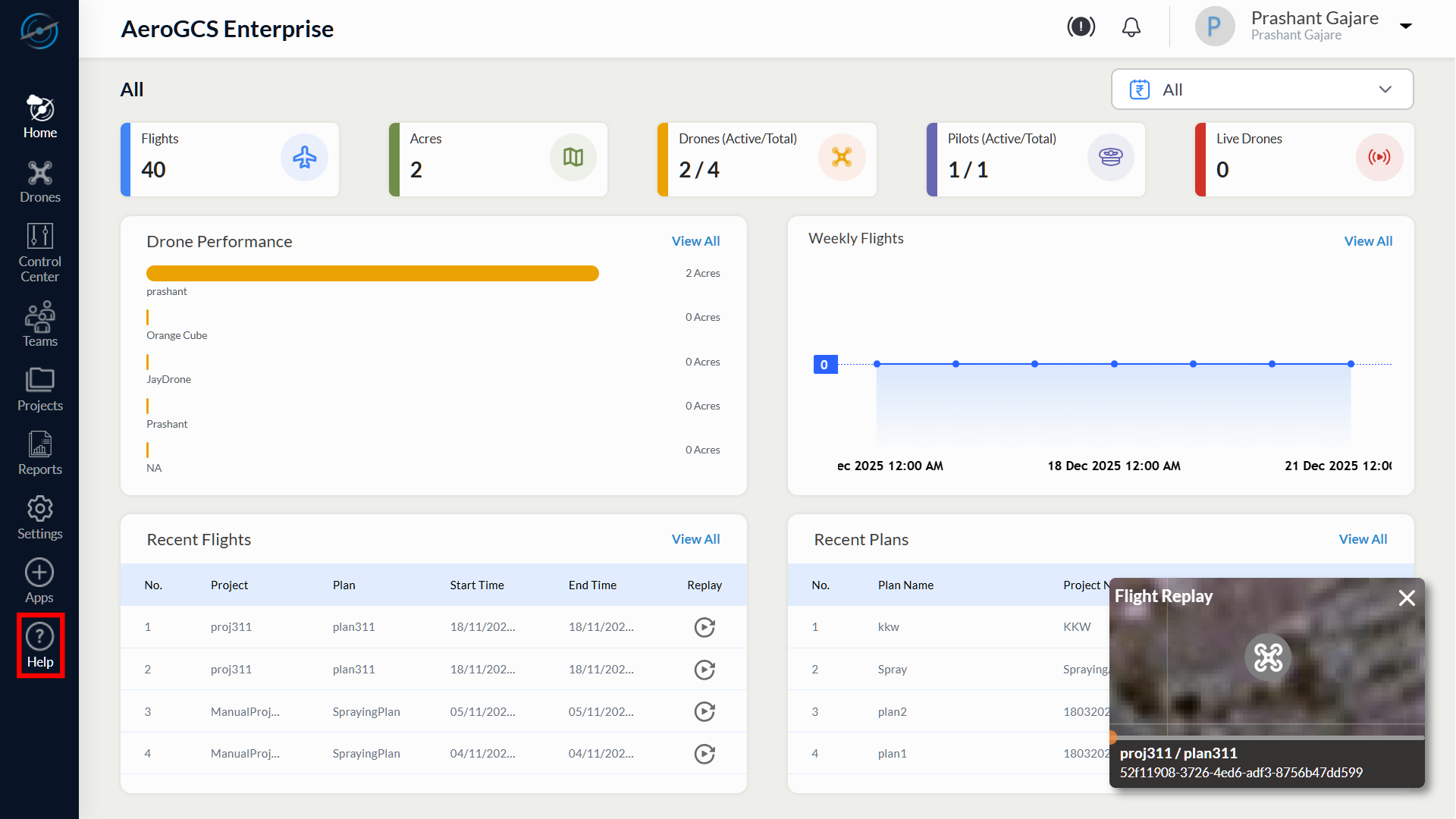
When Help is selected:
- The user manual opens in the default web browser.
- The content is displayed in read-only mode.
- No additional login or authentication is required.
- Navigation within the manual is handled using standard browser controls such as scroll, search, and hyperlinks.
The displayed documentation reflects the official AeroGCS Enterprise user guide maintained by the platform.
- The Help option does not modify application data or user settings.
- Availability of Help is independent of user role.
- An active internet connection is required to load the documentation.
- The Help link always points to the most current published version of the user manual.
The Help feature provides a simple and reliable way for users to access official AeroGCS Enterprise documentation directly from the application interface. It ensures users can quickly reference guidance, workflows, and feature explanations without leaving the platform context.